 CelebMaker
Use the platform’s official reporting form for the report itself when it gives you an appropriate route. If a trusted recipient has specifically asked for a follow-up note through Google Drive, share a clean copy with that person and inspect General access before sending its link.
Separate the report note from your original records
Write the service, time, relevant page address and report reference in a new document. Keep your original records in a private location. The shared note can explain where to find a material item without reproducing the image in a preview. eSafety’s evidence guidance emphasizes location and context, so the link to the report can be useful even when no media is attached.
Before sharing the copy, check that its title contains no unnecessary name or private detail. Check the folder as well as the file. Access a parent folder already grants may affect who can reach the copy.
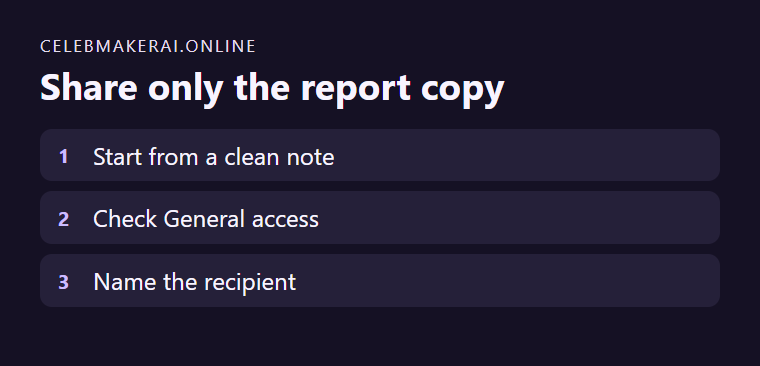
Read the access list before sending the link
Google Drive Help describes Restricted as opening access to people who have been granted permission. Confirm that setting and add the verified recipient. Choose Viewer if they only need to read the note. Double-check the spelling of the address and remove old recipients who have no role in the case. Avoid placing the document in an existing widely shared folder.
After the recipient confirms receipt, record when you granted access and the case it supports. If you remove them later, consider any copies that were already downloaded. Closing the link controls access to the Drive file. It does not recall a separate copy.
Use a clean evidence note and the least-accessible route that the recipient can use. Keep private captures out of a general team folder or chat preview.